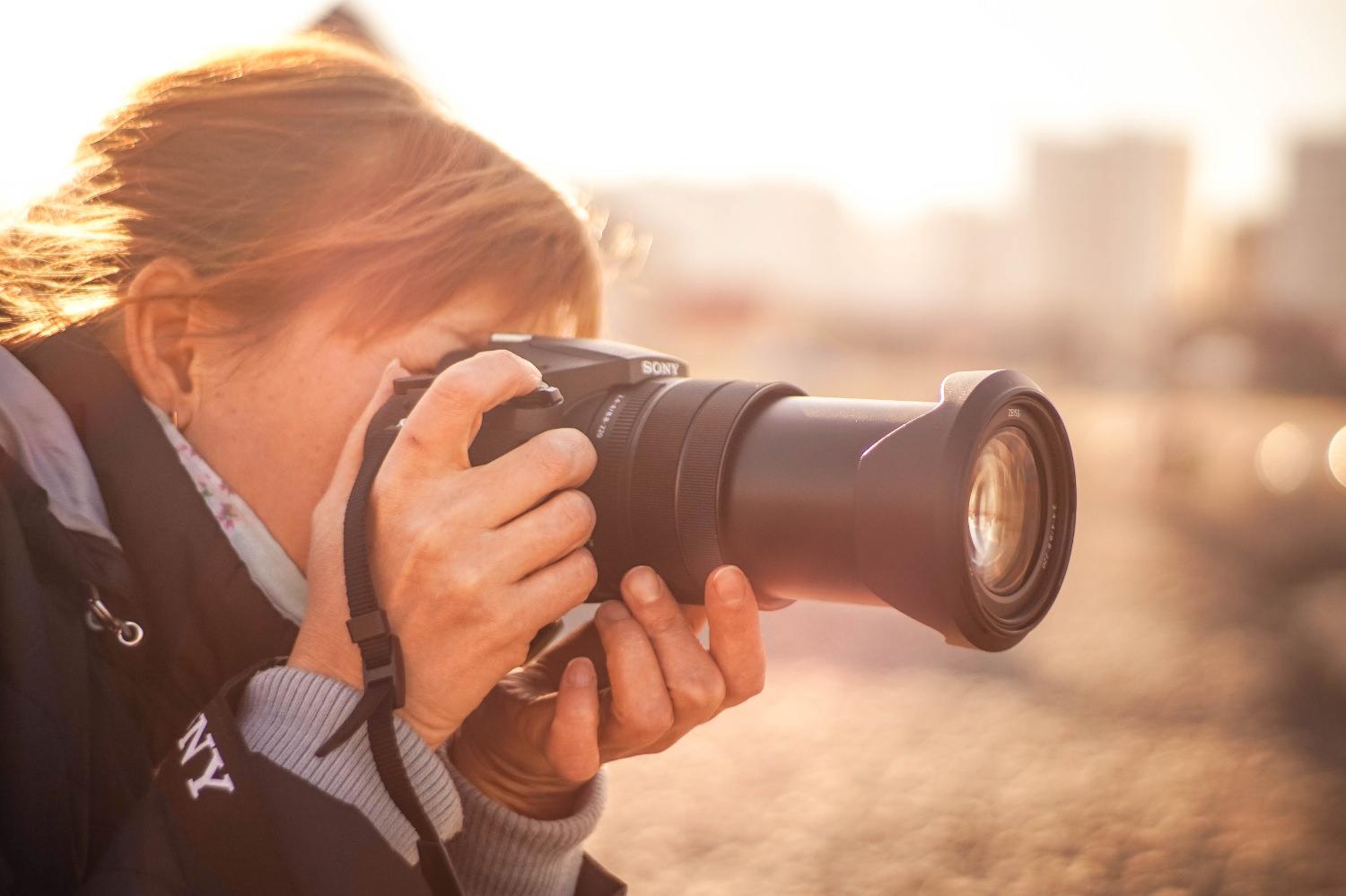
Welcome to Photography Mad
Photography tips, tricks and tutorials.
Photography Tips
More >Sports Event Photography Tips
Sports events are full of passion, excitement and emotion. There are photography opportunities everywhere; you just need to look in the right places.
How to Use Leading Lines in Your Photos
Master the lines and curves in your images to guide the viewer's eye through the scene, adding depth and interest.
10 Top Photography Composition Rules
There are no fixed rules in photography, but there are guidelines which can often help you to enhance the impact of your photos.
Stunning Staircase Photography
Staircases are full of features which make for intriguing photographs, such as leading lines, symmetry, patterns, and interesting shapes.
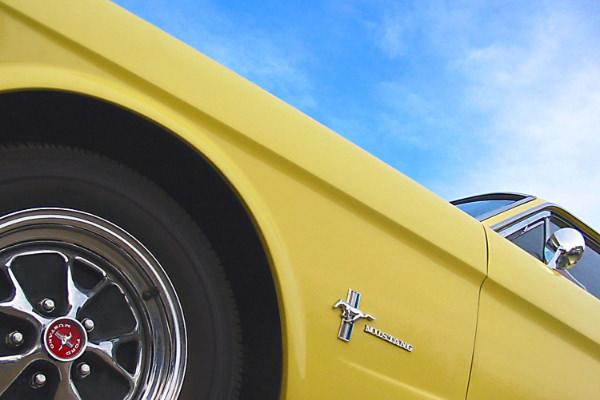
Car Photography Guide
Cars make great subjects, but it is easy to take photos that look like simple snapshots. Learn how to take more dynamic, interesting car photos.
Close Up Photography
We are surrounded by objects which make fascinating close up studies. Learn how to make the most of them.



Equipment
More >Slow Sync Flash: The Ultimate Guide
Slow sync flash is a simple but powerful technique to enhance your flash photography. Learn what it is, when it's helpful and how to use it.
18 Stunning Examples of Slow Sync Flash Photos
Want to try slow sync flash photography but don't know where to start? Be inspired by this collection of amazing images.
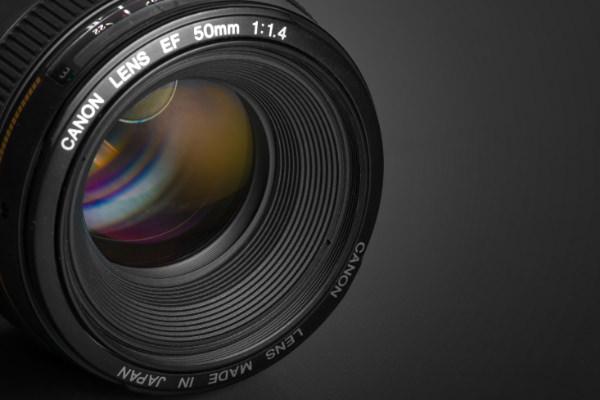
Standard Lenses
A standard lens has a similar angle of view to the human eye, giving photos a natural feel. They are versatile and produce excellent image quality.
The 3 Best Lens Filters for Landscape Photography
Professional landscape photographers recommend 3 lens filters above all others - polarisers, graduated NDs, and warming filters. Find out why.
Exposure, Aperture and Shutter Speed Explained
Aperture size and shutter speed add up to create our exposure. Learn how they work, and how to use them to get the creative effect you desire.
White Balance Explained
White balance sounds complicated, but it is actually very easy to understand, and can really bring out the best in your photos.




Post-processing
More >Gritty Black and White in Photoshop
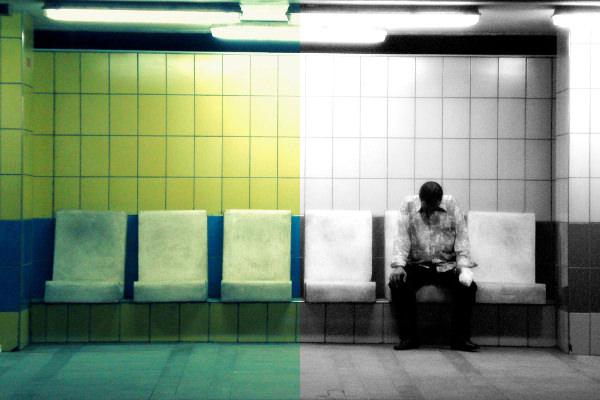
Learn how to turn your colour photos into gritty black and white urban shots using Photoshop.
Little Planet Photos: 5 Simple Steps to Making Panorama Worlds
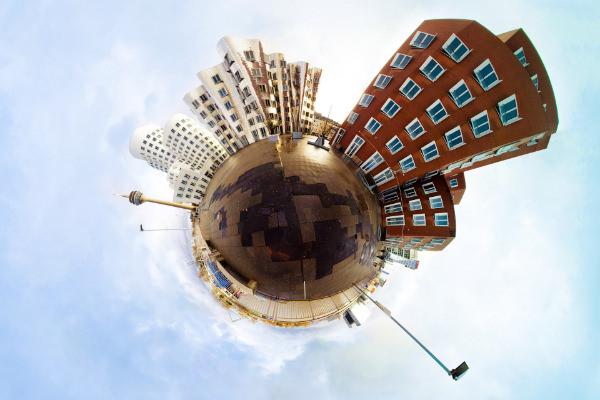
Turn your panoramas into eye-catching miniature planets in minutes, using Photoshop or your favourite graphics editor.
Imitating a Graduated Neutral Density Filter in Photoshop
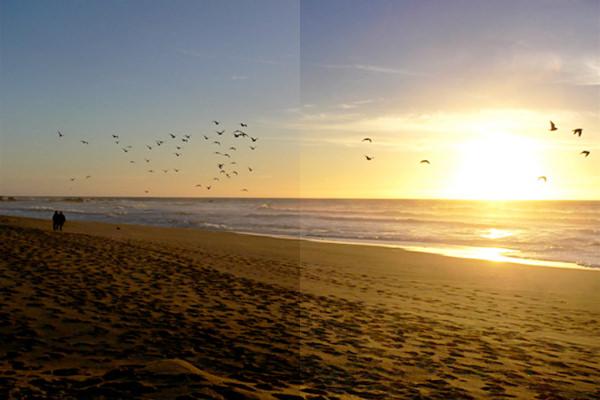
A graduated neutral density (ND) filter helps balance exposure levels between the sky and ground. Learn how to replicate the effect in Photoshop.
10 Ways to Digitally Improve Your Photos
Digital editing software allows us to remove unwanted objects, adjust colours, and touch up blemishes. Learn how to digitally improve your photos.
Convert a Colour Photo to Black and White
The Channel Mixer is easy to use but gives you complete control over the appearance of your photo when converting from colour to black and white.
EXIF Data Explained
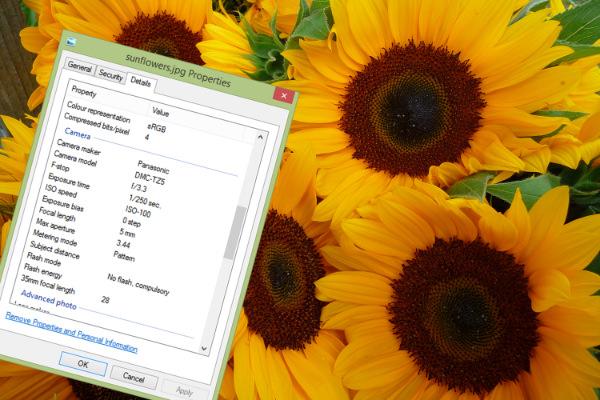
Learn everything you need to know about EXIF metadata - what it is, ways to view and edit it, and how you can use it to improve your photography.